
The 12 Best Vacation Planning Apps for 2026 That Actually Work

Tired of travel apps that just list things? We tested the best vacation planning apps to find the ones that prevent burnout and build realistic itineraries.
Let's be honest: planning a trip can feel like a second job. You start with a simple idea, like a weekend in Rome, and suddenly you're drowning in 27 browser tabs and contradictory blog posts. The best vacation planning apps cut through that noise, turning your scattered ideas into a plan that won't leave you exhausted.
This isn't just another list of app store descriptions. We’re going to break down who each app is for, what it does well, and where it falls short. You'll get a direct assessment of the top tools for logistics, discovery, and building an actual itinerary. My goal is to help you pick the right tool for the job so you can stop planning and start looking forward to your vacation.
The WanderAssist Reality Check
Price Warning: Many "free" planning apps lock their most useful features—like offline maps or unlimited itinerary items—behind a "Pro" subscription. Always check the fine print before you commit hours to building your trip on a platform, only to find out you have to pay $50/year to access it on the road.
Is WanderAssist the Right Place to Start?
For travelers who value their time and want a realistic plan, WanderAssist is a solid starting point. It's an AI tool designed to kill decision fatigue by generating a time-blocked daily itinerary in under 60 seconds. You don't even need an account. You just get a structured plan that feels less like a generic checklist and more like advice from a local who knows the city's rhythm.
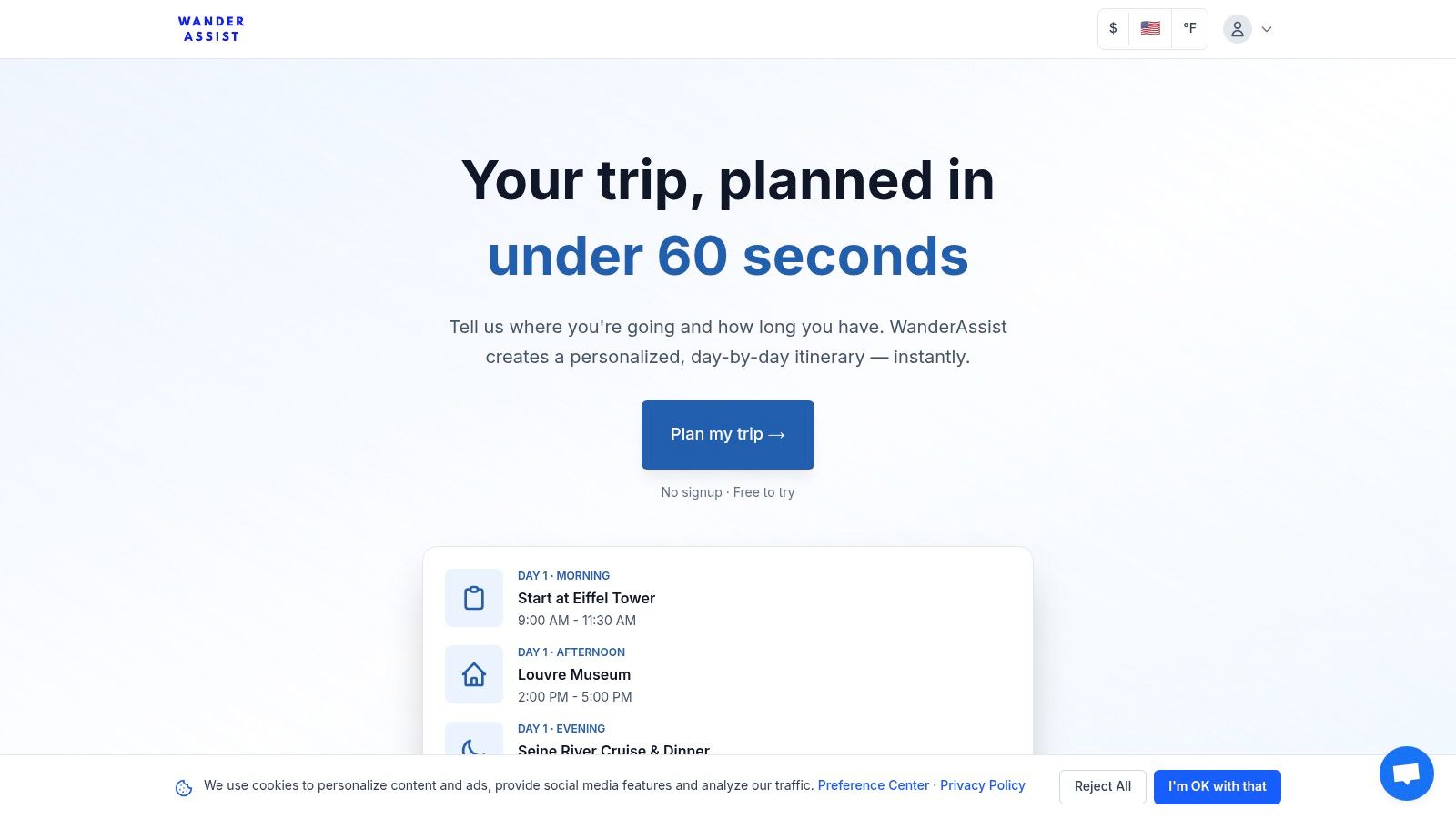
WanderAssist’s real strength is its "reality-aware" approach. Instead of just listing popular spots, its AI anchors your day around walkable neighborhoods and suggests smart times to visit, helping you sidestep the worst crowds. This focus on local pace is what makes its itineraries instantly usable, especially if you're a first-time visitor or a last-minute planner.
What Does It Actually Do?
- Neighborhood Anchoring: Plans group activities geographically. This simple approach minimizes transit time and prevents the common mistake of zigzagging across a city, which saves you energy and money.
- Expectation Correction: It gives you honest timing advice. Instead of just telling you to see the Colosseum, it might suggest a specific morning window to avoid the midday heat and the crush of tour buses.
- Pace-Optimized Itineraries: The AI builds schedules that balance sightseeing with actual downtime. It includes "Linger Zones"—areas perfect for slowing down and soaking in a neighborhood's atmosphere without a strict agenda.
The Good and The Bad
Pros:
- Generates a complete, actionable plan in less than a minute.
- You can try it instantly without creating an account.
- The pacing is realistic, which helps prevent traveler burnout.
- It's crowd-aware, helping you make smarter choices about when to go.
Cons:
- It doesn't handle bookings. You'll still need to book flights, hotels, and tickets yourself.
- It's an AI tool. It’s always smart to double-check opening hours locally before you go.
Who is it really for? Busy professionals, families, and last-minute travelers who need a solid, executable plan without spending hours on research. It's the perfect tool for getting a strong starting point that you can then tweak. If decision fatigue is your main problem, the WanderAssist 60-second planner is designed to solve it.
Website: https://wanderassist.com
What's the Deal with Google Travel?
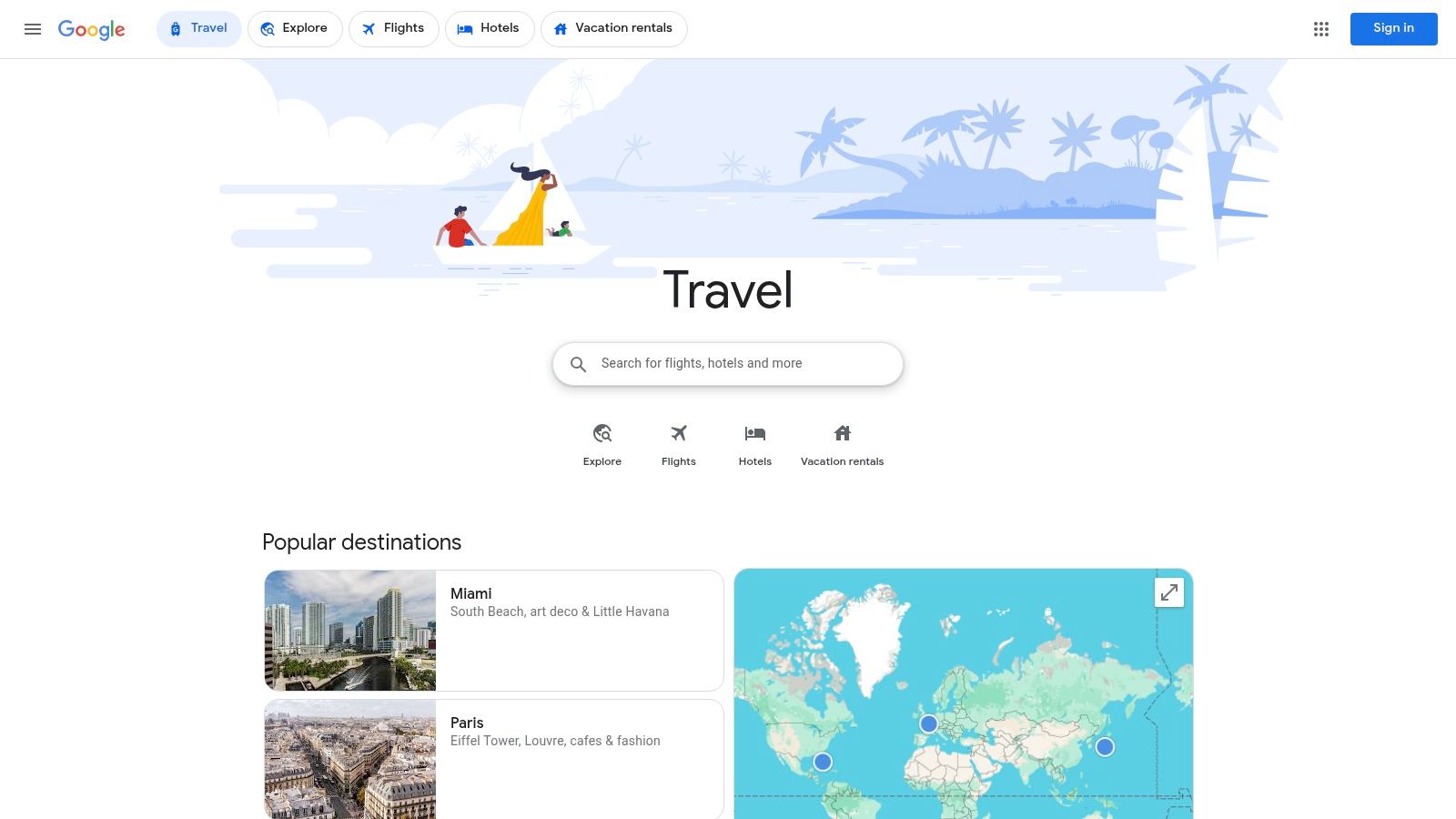
Google Travel isn't an app you download; it's a web-based hub that acts as the central nervous system for your trip. It's great at automatically organizing travel confirmations it finds in your Gmail—like flight and hotel bookings—into a clean timeline. If you live in the Google ecosystem, this feature alone makes it one of the best vacation planning apps.
Its strength lies in its integration with other Google products. You can research destinations, find flights, and explore hotels, all while saving ideas to lists in Google Maps. It uses Google's massive database of reviews and real-time data, giving you a reliable foundation for your research.
What Does It Actually Do?
It's not a minute-by-minute scheduler, but it’s a great research and organization tool. Last time I was in Lisbon, I used it as my main digital scrapbook. I saved potential restaurants and viewpoints directly in Google Maps, and they automatically appeared in my Google Travel trip folder. This made it easy to see my options on a map before building a final schedule.
- Centralized Trip Timelines: Automatically pulls flight, hotel, and rental car confirmations from Gmail.
- Integrated Search: Links directly to Google Flights and Hotels for research and booking.
- Google Maps Integration: Saved lists from Maps are synced for easy geographic planning.
- Experimental AI Features: For some U.S. users, Google Labs offers an AI-powered itinerary builder that can draft initial day plans.
Our Take: For initial research and high-level organization, Google Travel is unbeatable and free. Think of it as your research headquarters before you export the final plan to a dedicated itinerary builder like WanderAssist for time-blocked scheduling.
Pricing, Pros & Cons
| Category | Details |
|---|---|
| Pricing | Completely free with a Google account. |
| Access | Web-based at https://www.google.com/travel |
| Pros | - No cost and instantly accessible for Google users.<br>- Automatic consolidation of reservations is a huge time-saver.<br>- Unmatched global data for reviews and logistics. |
| Cons | - Lacks detailed day-by-day scheduling features.<br>- New AI features have limited availability.<br>- The interface changes constantly, which can be disorienting. |
Why Do People Still Use TripIt?
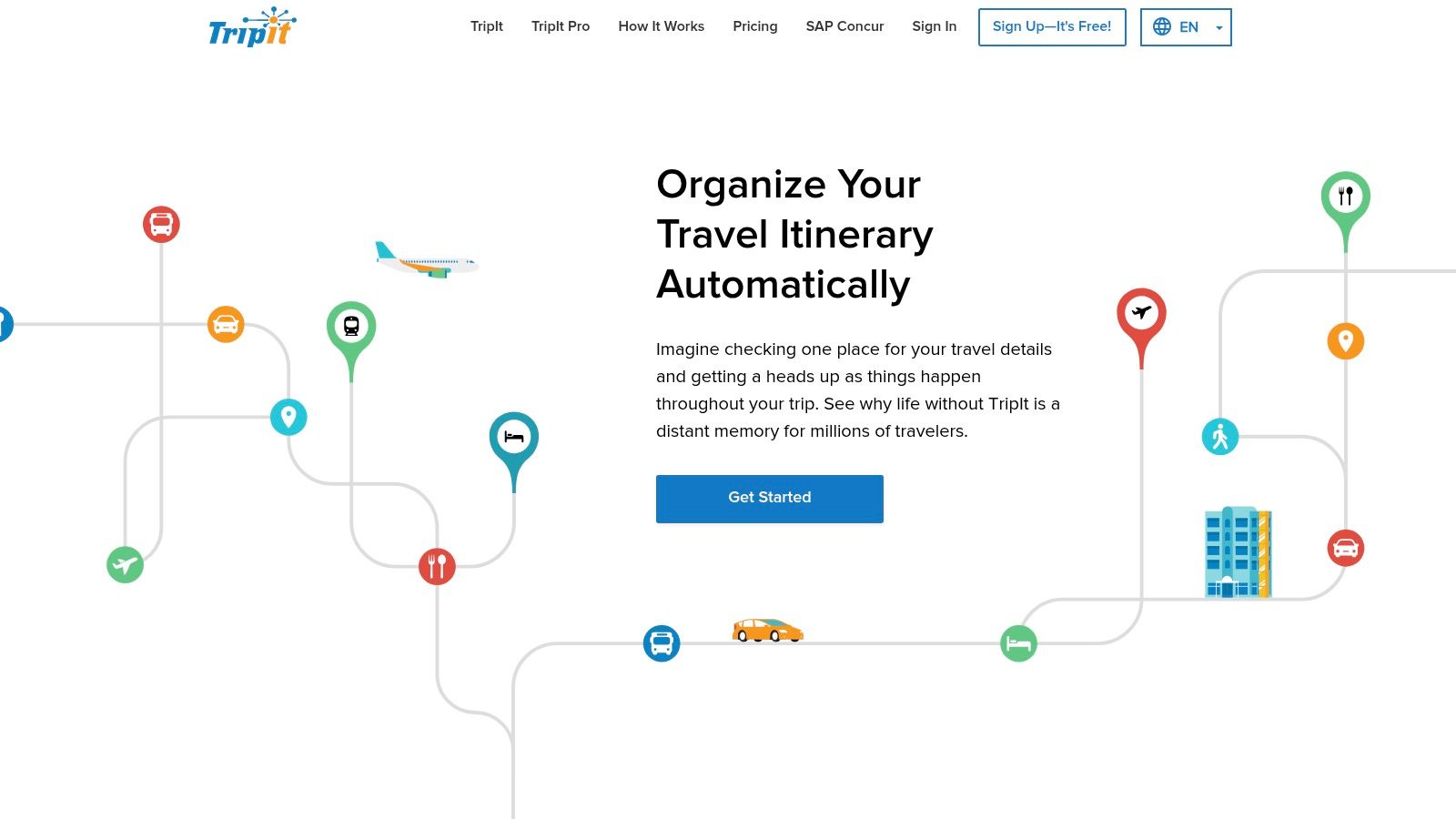
TripIt has been a major player for years because it does one thing exceptionally well: it automatically creates a master itinerary from your scattered booking confirmations. You forward your flight, hotel, and car rental emails to a specific TripIt address, and it parses them into a single, chronological timeline. It’s an organized travel agent living in your pocket.
Its core job is consolidation. For anyone juggling multiple bookings across different sites, TripIt cuts through the mess. It puts everything in one accessible plan, complete with confirmation numbers, which is a lifesaver when you’re at a rental car counter digging through your inbox.
What Does It Actually Do?
The free version is great for logistics, but TripIt Pro is a real travel management tool. I used it on a multi-city work trip, and the real-time flight status alerts and gate change notifications it sent were faster than the airline's own app. The Pro version also has features like fare tracking and seat monitoring, which appeal to frequent flyers.
- Automatic Itinerary Building: Creates a master trip plan by scanning confirmation emails you forward.
- Real-Time Alerts (Pro): Provides instant notifications for flight delays, cancellations, and gate changes.
- Fare Tracker (Pro): Monitors U.S. economy flight reservations for potential fare drops.
- Offline Access: The mobile app stores your itineraries so you can access info without a data connection.
Our Take: TripIt is the champion of logistical organization. It's not for planning what to do, but for organizing what you’ve already booked. Use it to create a rock-solid logistical backbone for your trip.
Pricing, Pros & Cons
| Category | Details |
|---|---|
| Pricing | Free version available. TripIt Pro is $49/year. |
| Access | Web-based at https://www.tripit.com/ and via iOS/Android apps. |
| Pros | - Unmatched email-parsing technology saves a ton of time.<br>- Offline access is critical for international travel.<br>- Pro version's real-time alerts are invaluable for business travelers. |
| Cons | - Its best features are locked behind the Pro paywall.<br>- Fare tracking is limited to certain U.S. airlines.<br>- It doesn't help with the discovery or planning phase of a trip. |
Is Roadtrippers Only for Road Trips?
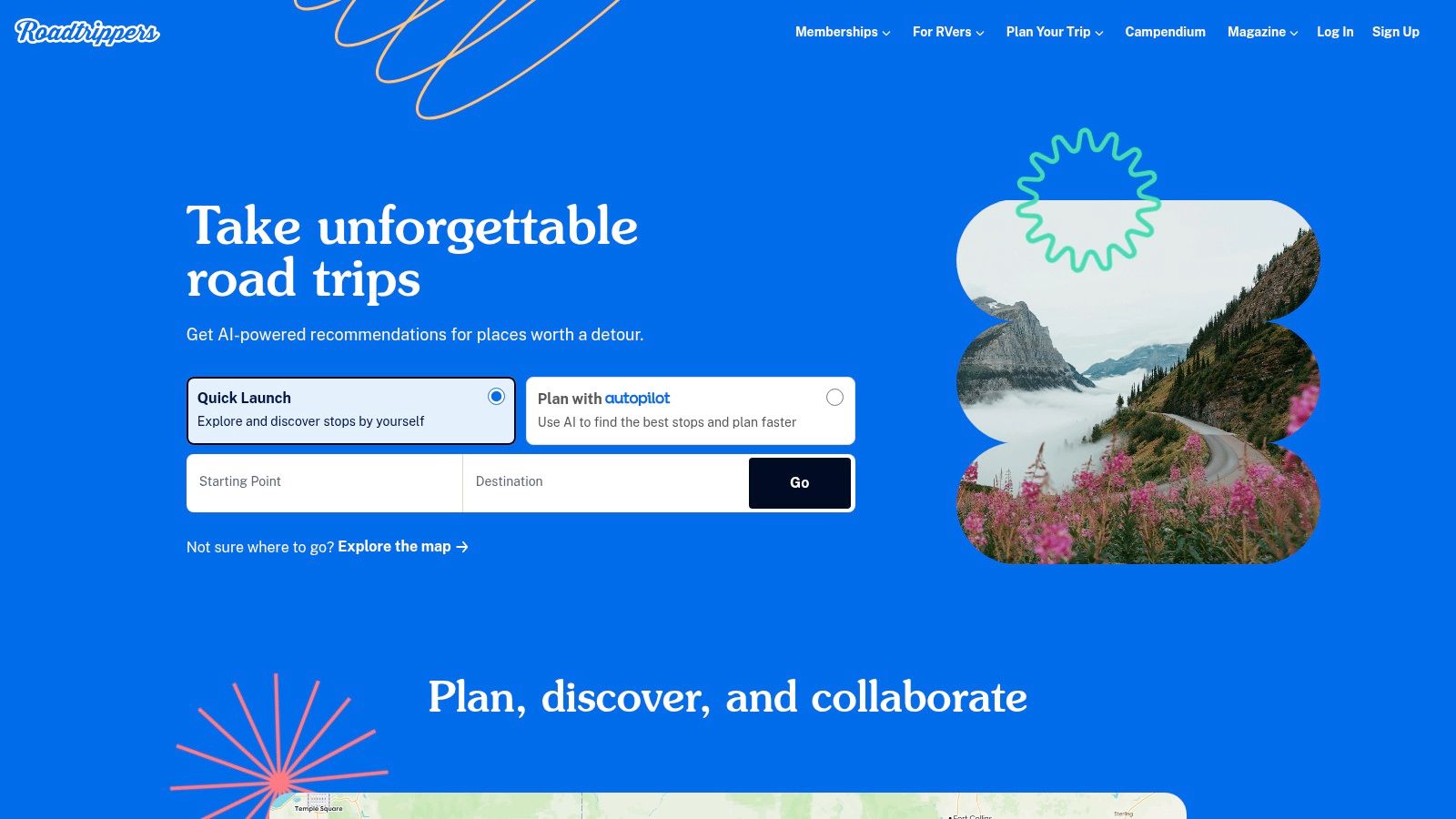
Yes, and that's its strength. For anyone planning a road trip, Roadtrippers is an essential co-pilot. This U.S.-focused platform is built to optimize multi-stop journeys, turning a simple A-to-B route into a trip filled with quirky roadside attractions and scenic detours. Its huge database of points of interest is its best feature, letting you discover places you’d never find on a standard map.
The platform handles the practical logistics of a road trip well. It helps you visualize your entire route, add up to 150 stops (on paid plans), and provides time and fuel cost estimates. For RV travelers, the premium version offers routing that considers vehicle height and weight, which can be a lifesaver.
What Does It Actually Do?
I used Roadtrippers to plan a drive from California to Zion National Park. Instead of just finding the fastest route, I used its map layers to discover an oddball art installation and a great local diner just a few miles off the highway. The premium "Autopilot" AI trip builder can also generate a solid starter itinerary based on your interests, which helps overcome that initial planning paralysis.
- Multi-Stop Route Planning: Build complex routes with detailed time and gas cost estimates.
- Massive POI Database: Discover millions of unique roadside attractions, restaurants, and scenic points.
- RV-Specific Routing: A premium feature provides safe navigation for RVs, avoiding low bridges.
- Offline Maps: Premium members can download maps for navigating areas without cell service.
Our Take: Roadtrippers is the clear winner for planning road-based travel, especially in the U.S. It turns the journey itself into the destination. It is not, however, built for city breaks or international air travel.
Pricing, Pros & Cons
| Category | Details |
|---|---|
| Pricing | Starts free; Roadtrippers Premium unlocks key features for $35.99/year. |
| Access | Web-based at https://roadtrippers.com/ and mobile apps for iOS/Android. |
| Pros | - Unmatched for U.S. road trip discovery and logistics.<br>- Excellent RV-safe routing and offline map functionality.<br>- Deep database of unique points of interest. |
| Cons | - Most useful features are behind a paywall.<br>- Heavily focused on the U.S.; less useful for international travel.<br>- Not suited for non-road trip vacation styles. |
Should You Use Wanderlog for Group Trips?
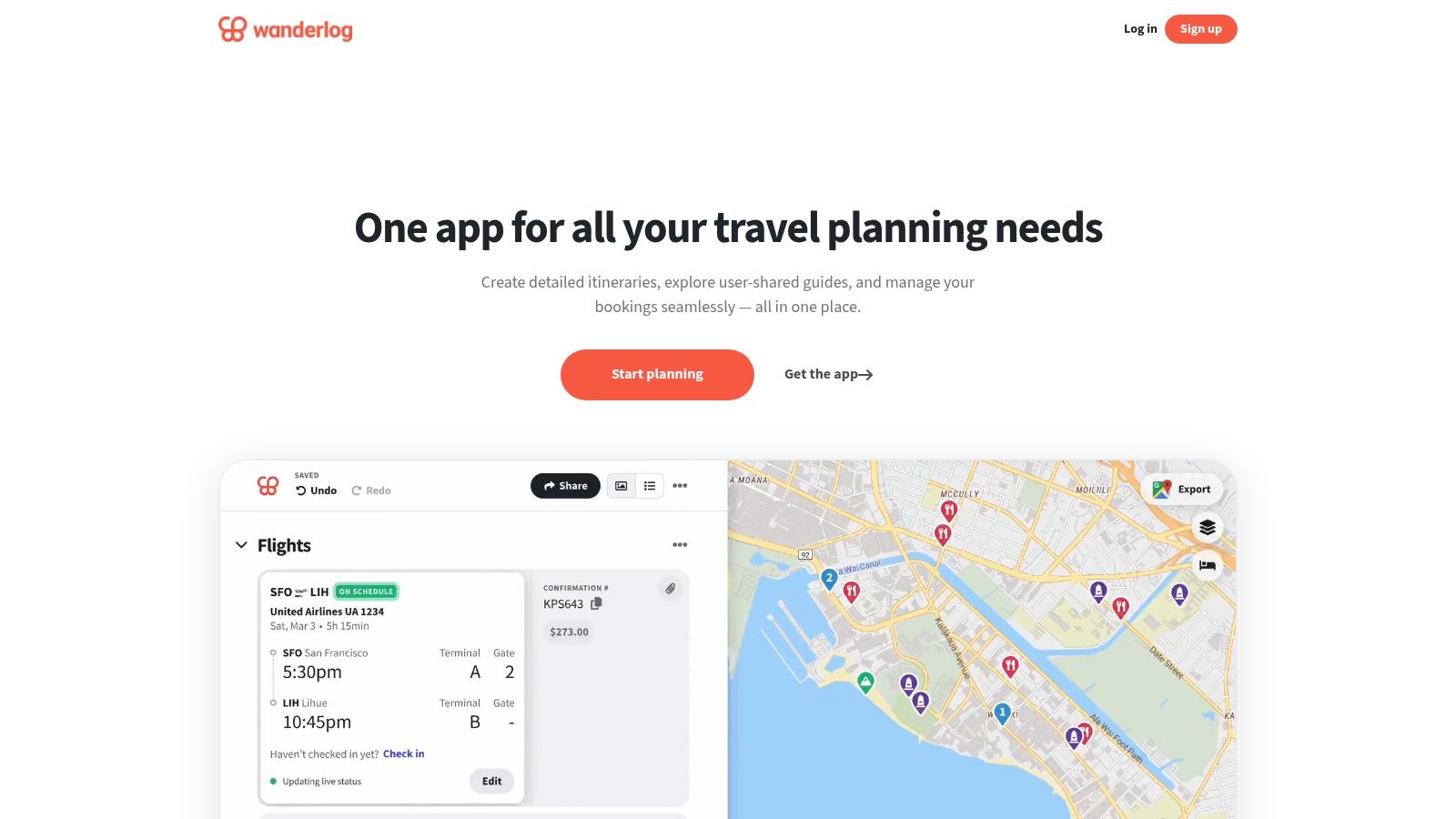
Wanderlog finds a good balance between structured itinerary planning and collaborative trip management. It's a popular choice for travelers who want to build a detailed, day-by-day schedule while keeping everyone in their group on the same page. The platform works well with its visual, map-based interface that lets you drag and drop places into your daily plan, automatically calculating travel times between stops.
Its strength is its hybrid approach, merging inspiration from travel guides with practical tools like expense tracking. This makes it one of the best vacation planning apps for those who want a single hub for both the "what" and the "how" of their trip without getting overwhelmed. It feels like a shared digital notebook for you and your travel buddies.
What Does It Actually Do?
Wanderlog is perfect for group trips where logistics and budget need to be clear. On a recent weekend trip with friends, we used its collaborative editing feature to add restaurant ideas in real-time. The integrated expense tracker was great, as we could instantly log shared costs for Ubers and meals, making the "who owes who" conversation at the end of the trip completely painless.
- Map-Based Itinerary Builder: Visually plan your days on a map with drag-and-drop functionality.
- Real-Time Collaboration: Invite friends to edit the itinerary and add places simultaneously.
- Expense Tracking: Log shared costs and easily split bills among travel companions.
- Reservation Imports: Forward flight and hotel confirmations to automatically add them to your timeline.
Our Take: Wanderlog is a top-tier choice for group travel and for anyone who likes a visual, map-first approach. For solo travelers needing AI-powered, time-blocked schedules, WanderAssist offers a faster way to generate an initial, reality-checked plan.
Pricing, Pros & Cons
| Category | Details |
|---|---|
| Pricing | Free version available. Wanderlog Pro is required for offline access and advanced features ($49.99/year). |
| Access | Web-based at https://wanderlog.com/ and via iOS/Android apps. |
| Pros | - Excellent real-time collaborative editing for groups.<br>- The visual, map-centric interface is intuitive.<br>- Combines itinerary planning and expense tracking in one app. |
| Cons | - Key features like offline maps are locked behind the Pro subscription.<br>- Some users report the app can be slow at times.<br>- The free version feels limited for serious planners. |
What is Rome2Rio Actually Good For?
Rome2Rio isn't for planning your daily activities. It's a specialized logistics tool that answers one key question: "What's the best way to get from Point A to Point B?" It’s a powerful transport planner that shows you every conceivable combination of flights, trains, buses, ferries, and driving routes, along with estimated costs and travel times.
Its job is to give you a high-level overview of your transit options, making it one of the best vacation planning apps for the logistical phase of your trip. Instead of checking a dozen different company websites, you get all the possibilities on a single screen. This is essential when you're trying to figure out if it’s cheaper or faster to fly or take a train between Florence and Rome.
What Does It Actually Do?
This platform is my go-to reality check for travel times. Last year, planning a trip through Southeast Asia, I used Rome2Rio to discover a sleeper bus route that was not only cheaper than flying but also saved me the cost of a hotel for one night. It’s perfect for seeing the "unseen" connections that can make or break a multi-city trip.
- Global Route Comparison: Instantly see all transport modes between two locations with estimated prices and durations.
- Door-to-Door Directions: Provides comprehensive directions, including the local transit needed to get to and from airports or stations.
- Broad Operator Coverage: Includes major international carriers as well as smaller, local bus and ferry companies.
- Booking Integration: Links out to booking partners to purchase tickets.
Our Take: Use Rome2Rio to figure out the how and how long of your travel days. Once you’ve chosen the most realistic transport option, use that data to build a sensible daily schedule in a planner like WanderAssist.
Pricing, Pros & Cons
| Category | Details |
|---|---|
| Pricing | Completely free for search and discovery. |
| Access | Web-based at https://www.rome2rio.com/ and via mobile apps. |
| Pros | - Unmatched for comparing different modes of transport.<br>- Excellent global coverage, including obscure routes.<br>- Helps plan realistic transfer times and connections. |
| Cons | - Prices are estimates; you have to click through for live quotes.<br>- It’s a dedicated transport tool, not an itinerary builder.<br>- Can sometimes show outdated or non-operational routes. |
Is Skyscanner the Best for Finding Flights?
Skyscanner isn't for building your daily schedule, but it's a critical first step: getting the best deal on your biggest expense. It’s a powerful search engine that scours hundreds of airlines, hotels, and car rental agencies to find competitive prices, making it an indispensable part of any travel toolkit.
Its main strength is flexibility. The platform helps you find the cheapest time to fly with its month-view calendar and price alerts. For travelers open to suggestions, the "Explore Everywhere" feature is a game-changer, showing you the cheapest flights from your home airport to destinations all over the world.
What Does It Actually Do?
Skyscanner is my go-to for price-sensitive trips. When I had a flexible week off last spring, I used the "Everywhere" search to see where I could go cheaply. It suggested a surprisingly affordable round-trip flight to Porto, a city that wasn't even on my radar. After setting a price alert, I snagged the tickets a week later when the price dropped another 15%, all thanks to the app's monitoring.
- ‘Explore Everywhere’ Tool: A discovery feature that finds the cheapest flights to any destination from your airport.
- Flexible Date Search: View prices across an entire month or find the "cheapest month" to travel.
- Price Alerts: Get notified when the price of a tracked flight changes.
- Multi-Modal Search: Compares prices for flights, hotels, and car rentals in one place.
Our Take: For finding the absolute best price on flights and discovering new destinations based on budget, Skyscanner is hard to beat. Use it to book your core travel, then plug those dates into an itinerary builder like WanderAssist to flesh out your daily activities.
Pricing, Pros & Cons
| Category | Details |
|---|---|
| Pricing | Completely free to use. Skyscanner earns commissions from its partners. |
| Access | Web-based at https://www.skyscanner.com/ and on iOS/Android apps. |
| Pros | - Excellent tools for flexible travelers and deal-hunters.<br>- Scans a massive range of airlines, including budget carriers.<br>- Clean, user-friendly interface. |
| Cons | - You're redirected to third-party sites to book, so customer support can be inconsistent.<br>- Prices can sometimes change between Skyscanner and the final booking page.<br>- Its focus is strictly on booking, not planning. |
Does Hopper Actually Save You Money?
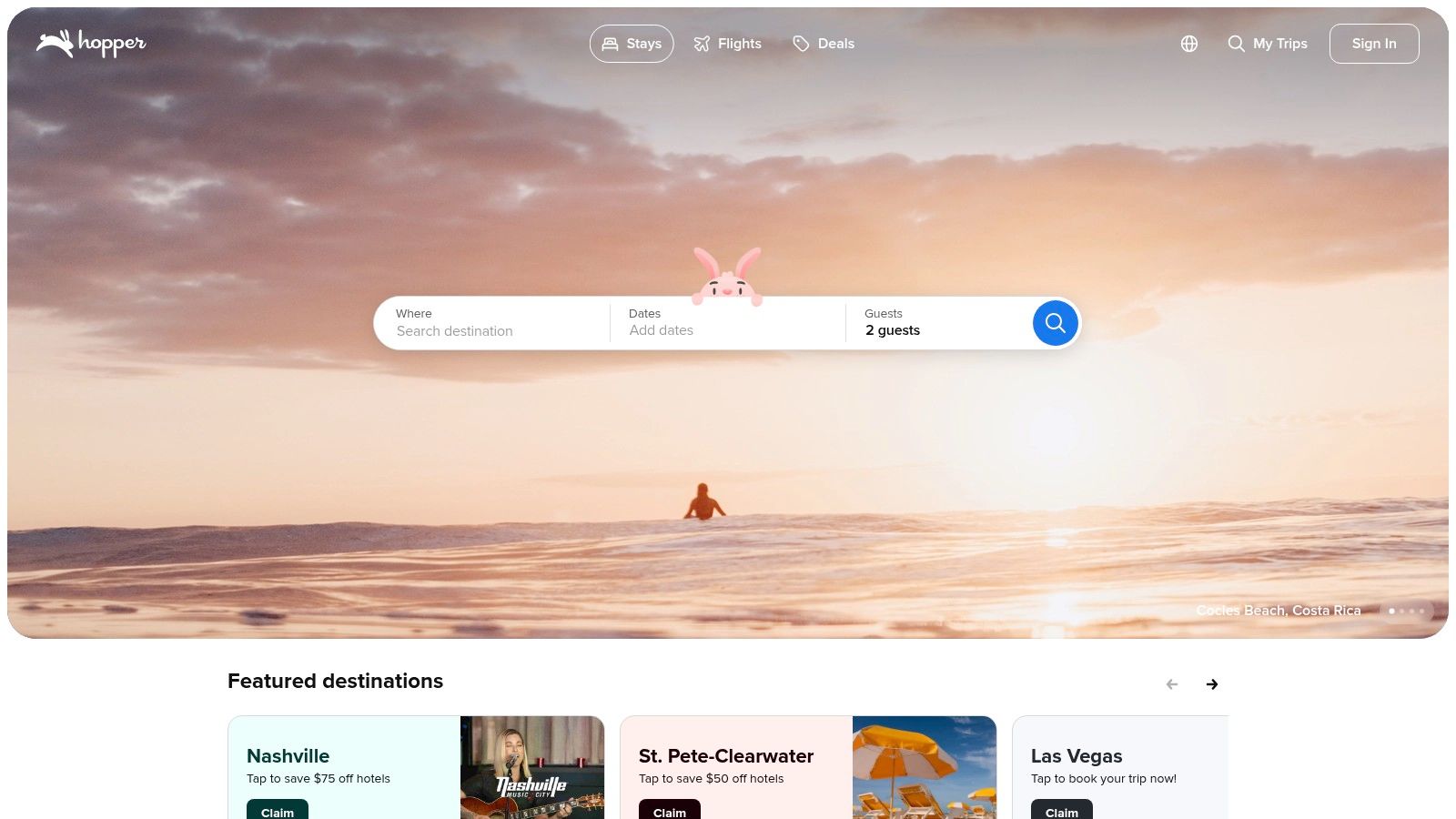
Hopper is a mobile-first booking app built to save you money by predicting future flight and hotel prices. It acts as a financial watchdog for your trip, using historical data to advise whether you should "book now" or "wait." This makes it one of the best vacation planning apps for travelers who prioritize budget over a fixed schedule.
Its main draw is its financial tools that fight price volatility. Features like "Price Freeze" let you pay a small deposit to lock in a flight or hotel rate for a set period. If the price goes up, Hopper covers the difference up to a certain limit; if it goes down, you pay the lower price. This gives you time to finalize plans without the stress of watching fares climb.
What Does It Actually Do?
Hopper is a strategic booking tool, not an organizer. I use it when my travel dates are flexible and I'm hunting for the lowest fare. For a potential trip to Tokyo, I set a "watch" alert and got a notification when prices dropped to their predicted low, saving me from booking prematurely during a price spike a few weeks earlier.
- Predictive Pricing Alerts: Advises you to buy now or wait based on historical data.
- Price Freeze: Lock in a flight or hotel price for a small fee, protecting you from future increases.
- Hotel-Specific Options: Includes freezes for specific room types and other booking guarantees.
- Carrot Cash Rewards: A loyalty program that offers cashback on bookings to be used within the app.
Our Take: Use Hopper to secure the best prices on flights and hotels. Once you’ve locked in your deals, import those bookings into an itinerary builder like WanderAssist to build out your actual day-to-day schedule.
Pricing, Pros & Cons
| Category | Details |
|---|---|
| Pricing | The app is free; fees apply for optional financial products like Price Freeze. |
| Access | Primarily a mobile app, available on iOS and Android at https://www.hopper.com/ |
| Pros | - Great for reducing stress around fluctuating prices.<br>- Price predictions are often accurate.<br>- The mobile-centric interface is clean and easy for deal monitoring. |
| Cons | - Focus is entirely on booking, not itinerary creation.<br>- Price Freeze has fees and specific terms; read them carefully.<br>- Customer service can be slow to respond. |
Is KAYAK Trips Just Like TripIt?
KAYAK Trips functions more like an intelligent, automated travel folder than a ground-up planner. Built into the KAYAK search engine, its main strength is consolidating all your booking confirmations into one streamlined itinerary. You forward your flight, hotel, and car rental emails, and it builds a chronological trip timeline for you.
This platform is for the traveler who books across various sites but wants a single source of truth for their itinerary. It leverages the power of KAYAK’s search functions, letting you track prices for flights while keeping your confirmed bookings neatly organized. It’s a practical tool focused on post-booking organization.
What Does It Actually Do?
KAYAK Trips is most useful once your core travel is booked. Last fall, for a multi-city trip through Germany, I forwarded confirmations from three different airlines and two hotel chains. The platform correctly parsed everything and sent me real-time SMS alerts about a gate change at Frankfurt Airport, which was a lifesaver. This live-alert functionality is its best feature.
- Email-to-Itinerary: Forward booking emails to
trips@kayak.comto have itineraries built automatically. - Live Trip Alerts: Provides flight status updates, gate change notifications, and delay alerts.
- Integrated Price Tracking: Connects with KAYAK's flight and hotel search to monitor prices.
- Offline Access: Itineraries are available offline through the KAYAK mobile app.
Our Take: KAYAK Trips is a great app for travelers who want automatic consolidation and real-time flight alerts over detailed daily scheduling. It’s a solid digital assistant for managing the logistics you’ve already booked.
Pricing, Pros & Cons
| Category | Details |
|---|---|
| Pricing | Completely free with a KAYAK account. |
| Access | Web-based at https://www.kayak.com/trips and via the KAYAK mobile app. |
| Pros | - Free to use and easily accessible.<br>- Live flight alerts are useful and reliable.<br>- Excellent for consolidating bookings from multiple sources.<br>- Integrated with KAYAK's powerful search engine. |
| Cons | - Lacks in-depth daily itinerary editing and customization.<br>- Not designed for collaborative planning.<br>- Post-booking support depends on the original vendor, not KAYAK. |
Should You Plan and Book with Expedia?
Expedia has grown from a simple booking engine into a one-stop shop for travel management. It’s an online travel agency (OTA) at its core, but its integrated Trip Planner feature makes it a contender among the best vacation planning apps. This tool lets you save flights, hotels, and activities into a single, shareable space where collaborators can vote and comment, making it decent for group travel.
The platform excels at centralizing the entire travel process, from research to booking to rewards. By keeping everything within its ecosystem, you can manage your bookings, share ideas with family, and earn One Key rewards points simultaneously.
What Does It Actually Do?
Expedia is built for the traveler who wants to research, book, and manage everything in one place. It's most useful when planning trips with others. For a recent family reunion, we used the Trip Planner to let everyone vote on hotel options and suggest activities. This prevented endless email chains and kept our top choices organized.
- Collaborative Trip Planner: Save, share, vote, and comment on trip items with friends and family.
- Flight Price Prediction: Uses historical data to suggest whether to book now or wait.
- One Key Rewards: Earn and use rewards points across Expedia, Hotels.com, and Vrbo.
- App-Only Deals: The mobile app often provides exclusive discounts on hotels and packages.
Our Take: Expedia is the tool for those who prefer to bundle booking and planning. It’s good for group coordination and securing package deals. Once your major bookings are set, you can then export those details into a dedicated scheduler like WanderAssist to build out a detailed, time-blocked daily itinerary.
Pricing, Pros & Cons
| Category | Details |
|---|---|
| Pricing | Free to use; costs are for bookings made on the platform. |
| Access | Web-based at https://www.expedia.com and via mobile app. |
| Pros | - Centralizes booking history and collaborative planning tools.<br>- Frequent member deals and broad inventory, especially in the U.S.<br>- Seamlessly combines research and booking in one app. |
| Cons | - As an OTA, post-booking changes can be complex.<br>- Some planning features are still in limited testing.<br>- Customer service issues must often be routed through hotel or airline partners. |
Is Tripadvisor More Than Just Reviews?
Tripadvisor has grown from a simple review site into a comprehensive planning platform. Its greatest asset is the sheer volume of crowd-sourced reviews and photos, which provides an unfiltered, ground-level view of almost any destination on Earth. This makes it one of the best vacation planning apps for setting realistic expectations before you book.
Beyond reviews, Tripadvisor now functions as a full-funnel planning tool. You can save attractions, restaurants, and hotels into trip folders to organize your research geographically. The platform also includes a new AI trip builder that can generate initial itineraries, which you can then customize by adding or removing spots from its marketplace of bookable experiences.
What Does It Actually Do?
Tripadvisor is my go-to for the "what should we actually do?" phase of planning. When I was organizing a trip to New York, I used it to find top-rated food tours and niche museums that weren't on typical travel blogs. I saved everything to a "NYC Ideas" trip, then sorted through the reviews to decide which activities were actually worth the time and money.
- Massive Review Database: Access millions of user-generated reviews, photos, and forums.
- Trip Organization: Save and organize potential points of interest into shareable trip plans.
- AI Itinerary Builder: Generates a personalized trip plan with recommendations you can edit and book.
- Booking Marketplace: Directly book over 400,000 experiences and 600,000 hotels.
Our Take: Use Tripadvisor to validate your ideas and fill in the gaps in your schedule with well-vetted activities. It's the ultimate reality check for your travel plans before you commit your time and money.
Pricing, Pros & Cons
| Category | Details |
|---|---|
| Pricing | Completely free to use for planning and reviews. |
| Access | Web-based at https://www.tripadvisor.com/ and via mobile apps. |
| Pros | - Unmatched depth of recent user reviews for setting expectations.<br>- Excellent marketplace for discovering and booking tours and activities.<br>- Free to use with broad global destination coverage. |
| Cons | - Review quality can be inconsistent.<br>- Not designed for detailed, time-blocked route optimization.<br>- The sheer volume of listings can sometimes be overwhelming. |
Is Tripsy Worth It for Apple Users?
For travelers deep in the Apple ecosystem, Tripsy offers a beautifully designed itinerary management experience. It excels at creating visually appealing, shareable travel plans with a focus on simplicity. The app functions as a central hub for all your travel documents, confirmations, and day-to-day activities, all wrapped in a premium interface that feels at home on an iPhone or Mac.
Its standout feature is combining automated itinerary building with manual customization. You can forward booking emails to auto-populate your timeline, then add attachments like tickets or PDFs. This blend of automation and control makes it one of the best vacation planning apps for those who value both function and form.
What Does It Actually Do?
Tripsy is great for sharing plans with friends or family who appreciate a clean layout. On a recent group trip, I forwarded all the hotel and flight confirmations to my Tripsy email address. The app automatically organized everything into a timeline, and I could share a single, elegant link with the group, which looked far better than a messy email chain.
- Email Forwarding & TripIt Import: Automatically builds itineraries from booking confirmations.
- Document & Attachment Vault: Store PDFs, tickets, and other documents directly within your trip.
- Live Updates & Sync: Offers flight/gate alerts, calendar sync (iCloud), and weather forecasts.
- Multi-Platform Apple Support: Works seamlessly across iPhone, iPad, Mac, and Apple Watch.
Our Take: Tripsy is the ideal choice for an Apple user who wants a premium, visually-driven itinerary app. It’s perfect for storing documents and sharing a high-level plan, but for granular, time-blocked scheduling with AI assistance, WanderAssist provides a more robust, cross-platform solution.
Pricing, Pros & Cons
| Category | Details |
|---|---|
| Pricing | Freemium model. Tripsy Pro subscription ($4.99/month or $49.99/year) unlocks premium features. |
| Access | Native apps for iOS, iPadOS, macOS at https://tripsy.app/ |
| Pros | - Stunning, intuitive user interface.<br>- Strong integration across all Apple devices.<br>- Excellent combination of document storage and live flight alerts. |
| Cons | - No Android or dedicated web version; it’s an Apple-only product.<br>- Core features like attachments and unlimited trips are behind a subscription.<br>- Collaboration features are less advanced than some competitors. |
Top 12 Vacation Planning Apps Comparison
| Product | Core features | UX / Quality (★) | Price & Value (💰) | Target audience (👥) | Unique selling points (✨) |
|---|---|---|---|---|---|
| WanderAssist 🏆 | Temporal reasoning; neighborhood‑anchored, time‑blocked day plans in <60s; 3‑click no‑signup | ★★★★☆ — fast, actionable | 💰 Free to try; advanced tiers unclear | 👥 First‑time travelers, local‑style seekers, last‑minute planners | ✨ Expectation correction; crowd‑aware timing; “Linger Zones” |
| Google Travel | Centralized trips; Gmail reservation import; Maps/Flights/Hotels link | ★★★★ — ubiquitous data | 💰 Free with Google account | 👥 Casual planners, Gmail users | ✨ Global data depth; experimental AI Canvas |
| TripIt | Auto‑create trips from booking emails; Pro: real‑time alerts & fare tracking | ★★★★ — rock‑solid parsing | 💰 Free basic; TripIt Pro subscription | 👥 Frequent/business travelers | ✨ Reliable email parsing; disruption & fare monitoring (Pro) |
| Roadtrippers | Multi‑stop routing; POI discovery; RV warnings; Autopilot AI (Premium) | ★★★☆ — excellent for road trips | 💰 Free tier; Premium for offline/long routes | 👥 Road trippers, RV users (US‑centric) | ✨ Large POI DB; trip cost & RV routing tools |
| Wanderlog | Drag‑and‑drop day plans; maps; budgeting; collaboration | ★★★★ — user‑friendly, high ratings | 💰 Free basic; Pro for offline/exports | 👥 Groups, families, collaborative planners | ✨ Expense tracking; easy exports & map view |
| Rome2Rio | Door‑to‑door multimodal routing; indicative prices & durations | ★★★☆ — broad routing coverage | 💰 Free to use; bookings via partners | 👥 Travelers needing realistic transfer options | ✨ Global multimodal options, obscure operator coverage |
| Skyscanner | Flight/hotel/car metasearch; flexible‑date calendar; price alerts | ★★★★ — deal‑hunting strong | 💰 Free; third‑party bookings | 👥 Budget/flexible travelers | ✨ “Everywhere” discovery; calendar price view |
| Hopper | Price predictions; Price Freeze deposits; watchlists | ★★★☆ — mobile‑centric, predictive | 💰 Free app; Price Freeze fees/deposits apply | 👥 Deal‑seekers, flexible planners | ✨ Price Freeze to lock rates temporarily |
| KAYAK Trips | Auto‑create from email/Gmail; price tracking; flight alerts | ★★★☆ — simple itinerary consolidation | 💰 Free | 👥 Casual consolidators, KAYAK users | ✨ Integrates metasearch with trip management |
| Expedia | OTA + Trip Planner; flight price prediction; app member deals | ★★★☆ — one‑stop booking & planning | 💰 Paid bookings; app/member deals (One Key) | 👥 Book‑first travelers, families | ✨ App‑only savings & integrated booking ecosystem |
| Tripadvisor | Reviews + AI trip builder; saved lists; activities marketplace | ★★★☆ — deep review signals (varies) | 💰 Free; bookings/experiences paid | 👥 Experience‑focused planners, review shoppers | ✨ Massive review database; large experiences marketplace |
| Tripsy | Email import, document vault, calendar/iCloud sync; live alerts | ★★★★ — polished Apple‑first UI | 💰 Free basic; Tripsy Pro subscription | 👥 Apple ecosystem users, shareable itineraries | ✨ Beautiful UI, iCloud sync, shareable trip views |
Which Travel App Problem Are You Actually Trying to Solve?
After looking at a dozen apps, one thing is clear: there is no single "best" app. The only question that matters is what specific travel problem you're trying to solve right now. The endless hunt for a perfect, all-in-one app is just a form of procrastination. The goal is to get a usable plan so you can stop researching and start looking forward to your trip.
So, What's Your Problem?
Let's break down the main travel challenges and match them with the right tool. Your personal travel style will tell you which of these problems is most urgent.
-
Problem: "I have a dozen confirmation emails and no central place to see them."
- Solution: TripIt. Its email-forwarding feature creates a master itinerary from your bookings automatically. KAYAK Trips is a similar, free alternative.
-
Problem: "How do I get from Point A to Point B, and what's the smartest way?"
- Solution: Rome2Rio is your go-to for comparing every mode of transport. For pure flight discovery and price optimization, Skyscanner and Hopper are essential.
-
Problem: "I have no idea what to do, and I need ideas."
- Solution: Tripadvisor is still a massive source of user reviews, while Wanderlog offers a more modern, map-based approach for collecting ideas with others.
-
Problem: "I have a list of things I want to see, but I don't know how to fit them into a realistic schedule without burning out."
- Solution: This is the most overlooked part of travel planning. It's not about what to see, but how and when. This is the strategic gap that a dedicated itinerary builder like the WanderAssist 60-second planner is designed to fill.
The Real Issue: Moving from 'What' to 'When'
Most vacation planning apps are good at solving the "what" and "where." They help you find attractions and organize confirmations. But the real decision fatigue comes from arranging those puzzle pieces into a coherent, enjoyable day.
Last time I was in Rome, I saw countless tourists trying to force a visit to the Colosseum and the Vatican into the same afternoon. A map shows it's geographically possible, but in reality, it's a recipe for exhaustion and wasted time in transit. A great trip isn’t just a checklist; it's a well-paced experience that minimizes transit fatigue and avoids peak crowds.
This is why you need a strategic planner. It’s not for booking your flight. It’s for turning your list of interests into a smart, time-blocked, walkable daily plan. Stop searching for one app to rule them all. Use the best tool for each stage: find your flights with Skyscanner, organize your bookings with TripIt, and then build your actual daily plan with an AI-powered strategist like WanderAssist.